Note
You are not reading the most recent version of this documentation. See the latest version available.
Localhost
Quality Approver supports automated package testing on the local host, which is already a virtual machine. NOTE It is very important that the local host must be a virtual machine, which could be manually restored to the previous state before and after the testing. In order to start using local host for testing, perform the following steps.
STEP 1 – FULFILL THE REQUIREMENTS TO THE LOCAL HOST
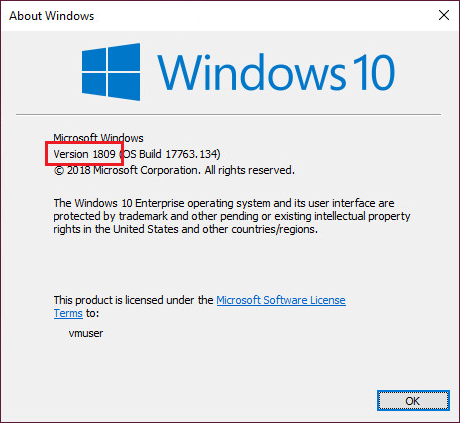
- This host is a virtual machine, running Windows 10 version 1803 or newer
Note
It is recommended to use a clean Windows OS with a minimum set of preinstalled software in order to minimize the negative impact on testing results.
Check the Windows version by running winver command (Win + R).
- The user has the administrative privileges
The administrative privileges are required by Windows App Certification Kit for package testing.
STEP 2 – CONFIGURE THE LOCAL HOST
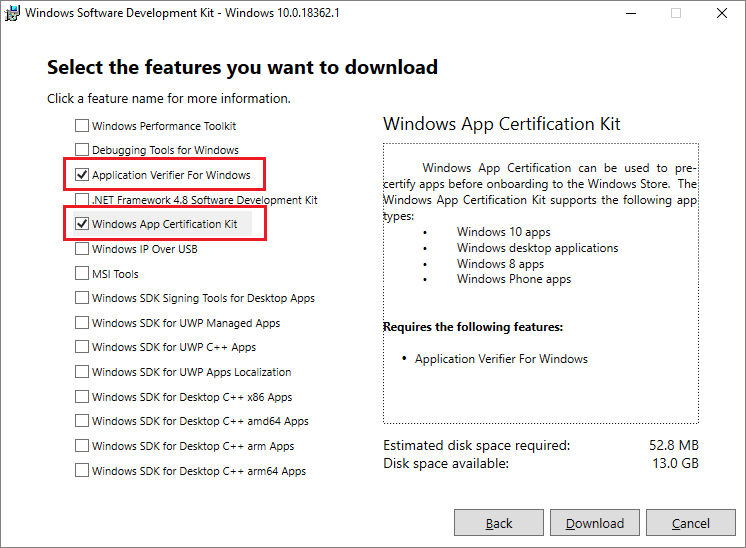
- Install the Windows App Certification Kit on the virtual machine
Windows App Certification Kit, a part of Windows SDK, is used for package testing. Download and run the Windows 10 SDK installer on the virtual machine and install the Windows App Certification Kit and Application Verifier For Windows.
- Run PACE Tuner on the local host
PACE Tuner is a tool that configures the local host for running the automated package testing. Run and complete the PACE Tuner installation on the local host. PACE Tuner installer could be found at
C:\Program Files (x86)\PACE Suite\Quality Approver\PACE
Tuner\Localhost\Localhost – PACE Tuner.msi
(the path may differ, if you have changed the default PACE Suite installation directory).Warning
PACE Tuner changes the security features of the operating system and must not be run on your work station (PC). The uninstall mechanism of PACE Tuner does not restore the changed security settings. Run PACE Tuner only on the virtual machine, which can be restored to the previous state.
For local host, PACE Tuner configures the following:
- Enables Developer mode
Windows App Certification Kit requires enabling this system feature.
- Disables User Account Control
Windows App Certification Kit requires the administrative privileges for running. Disabling the User Account Control (UAC) allows to run Windows App Certification Kit with the administrative privileges remotely in an unattended mode.
- Disables non-essential services
Update, Search, Offline files, Security center, and Diagnostic policy services produce lots of system noise that could influence the testing results.
STEP 3 – ADD THE CONFIGURED LOCAL HOST TO THE LIST IN QUALITY APPROVER
- Launch Quality Approver
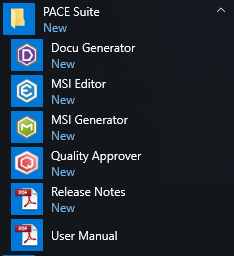
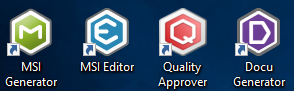
Launch Quality Approver app on the local host. This application will run the tests locally.
- Add the configured local host
Click Configure new VM and complete the wizard steps. Select the proper virtual machine location and other settings. The wizard checks the prerequisites and only then adds this local host to the list of Quality Approver.
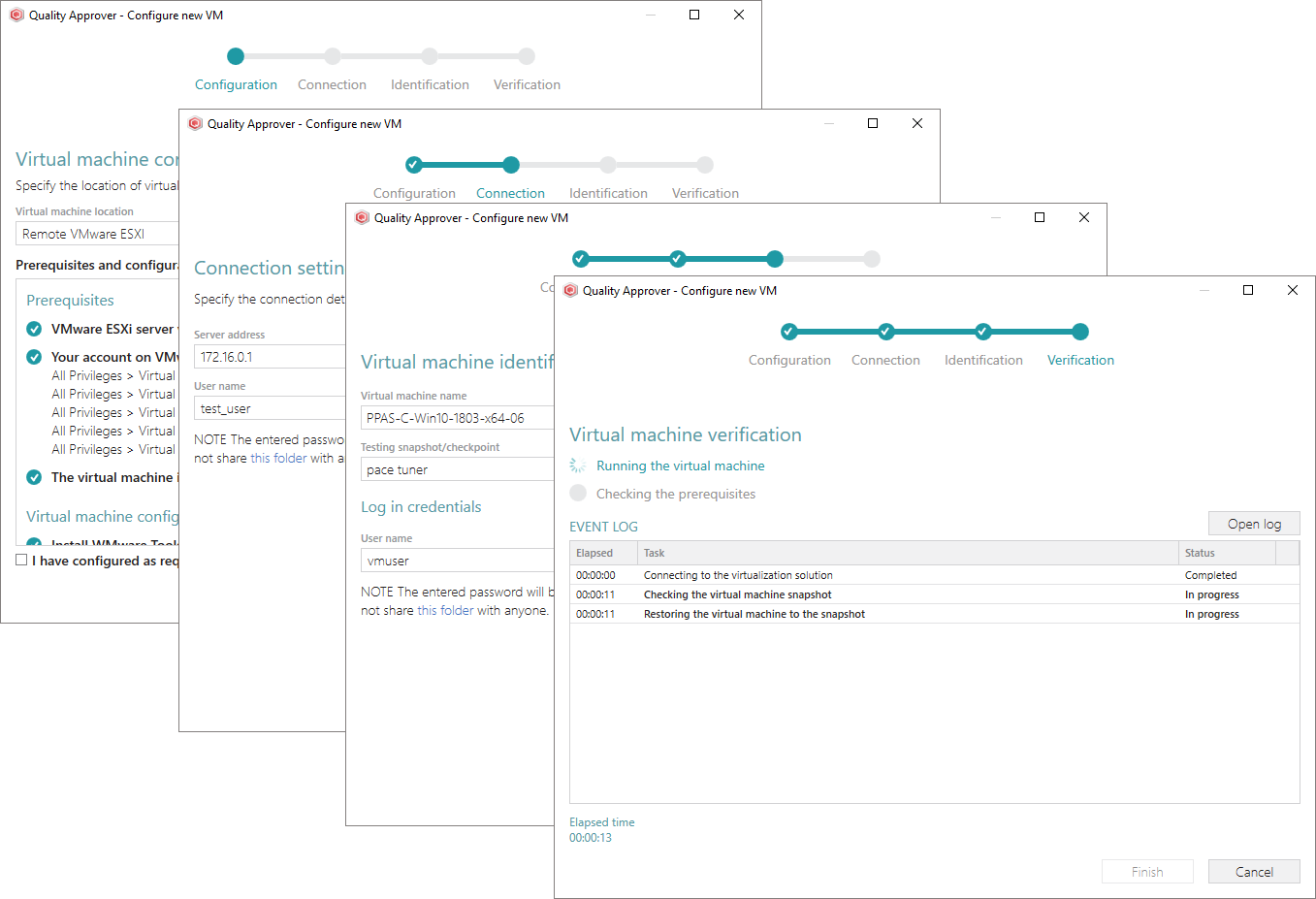
- Shut down the virtual machine
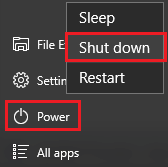
Shut down the operating system of the virtual machine. For this, select Start > Power > Shut down.
- Take a snapshot (checkpoint) of the configured state
Take a snapshot (checkpoint) of the current state of local host. Further, the local host must be manually restored to this snapshot (checkpoint) before and after testing process.
Note
PACE Suite covers the whole range of application packaging tasks - learn more.
Try PACE Suite for free - 30 days no obligations unlimited trial with all functions unlocked.
