Note
You are not reading the most recent version of this documentation. See the latest version available.
Installation
PACE Suite installation checks that your license is compatible with this version of PACE Suite and that your system meets the minimum software requirements. The installation requires the administrator privileges.
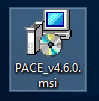
- Run the downloaded PACE Suite installater.
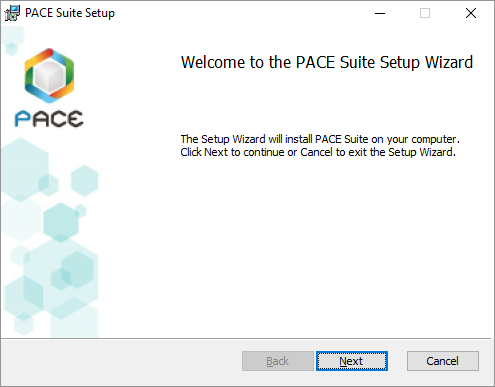
- Click Next.
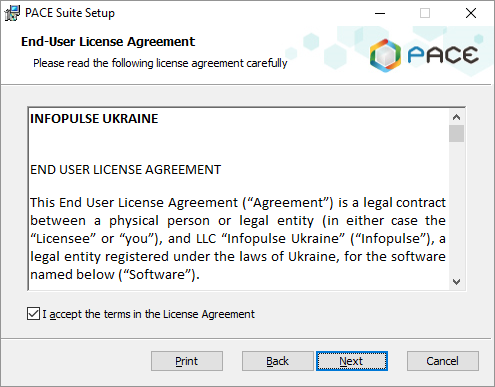
- Read and accept the END USER LICENSE AGREEMENT and then click Next.
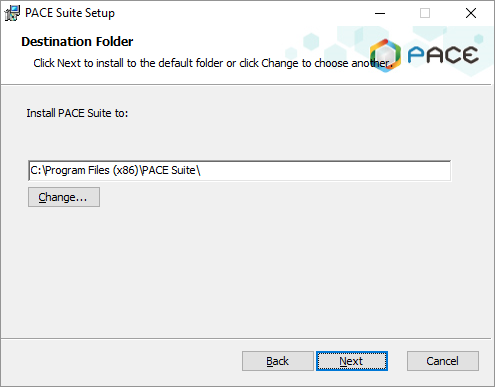
- Leave the default installation location or choose an alternative one and click Next.
- Enter your license key or select the Skip entering a product key now option and click Next.
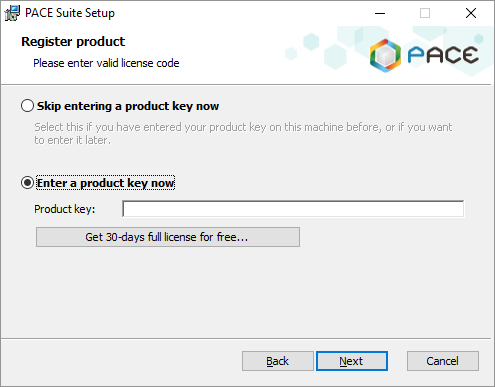
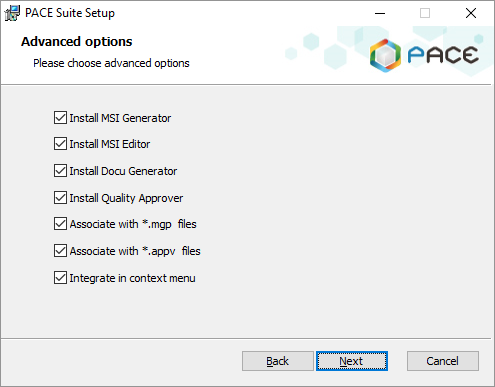
- If necessary, deselect PACE Suite components, which you do not want to install, and click Next.
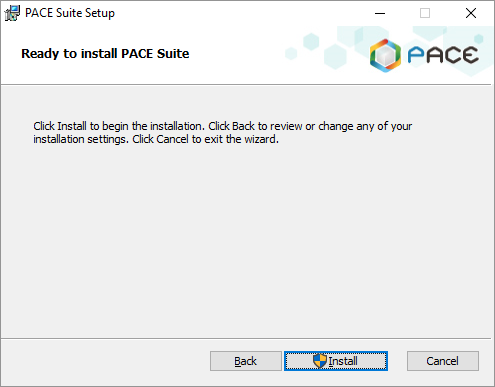
- Click Install.
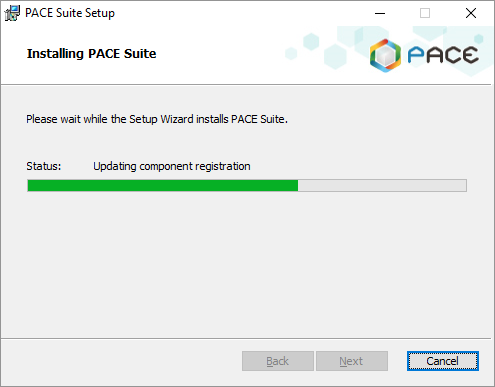
- Wait until the installation is completed.
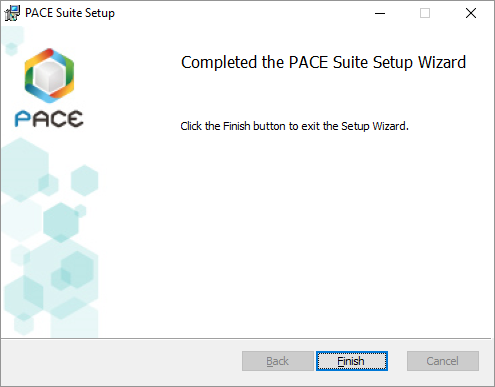
- Click Finish.
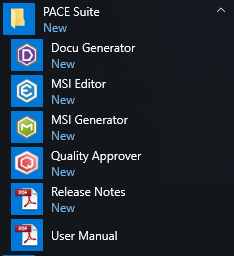
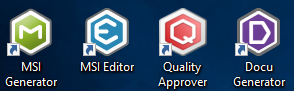
- Find the shortcuts to the installed PACE Suite components on your Desktop and in the Start Menu.
Note
PACE Suite covers the whole range of application packaging tasks - learn more.
Try PACE Suite for free - 30 days no obligations unlimited trial with all functions unlocked.
