Note
You are not reading the most recent version of this documentation. See the latest version available.
Open MGP project
Open an MGP project to review, modify and build different types (MSI, MSIX/APPX, APPV, THINAPP) of packages from it.
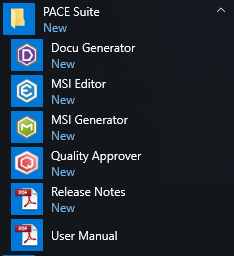
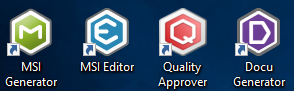
- Launch MSI Generator.
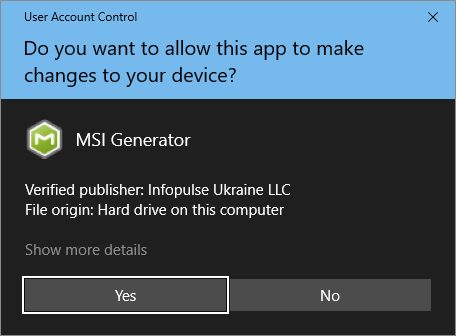
- If you have the User Account Control enabled, click Yes to launch the app.
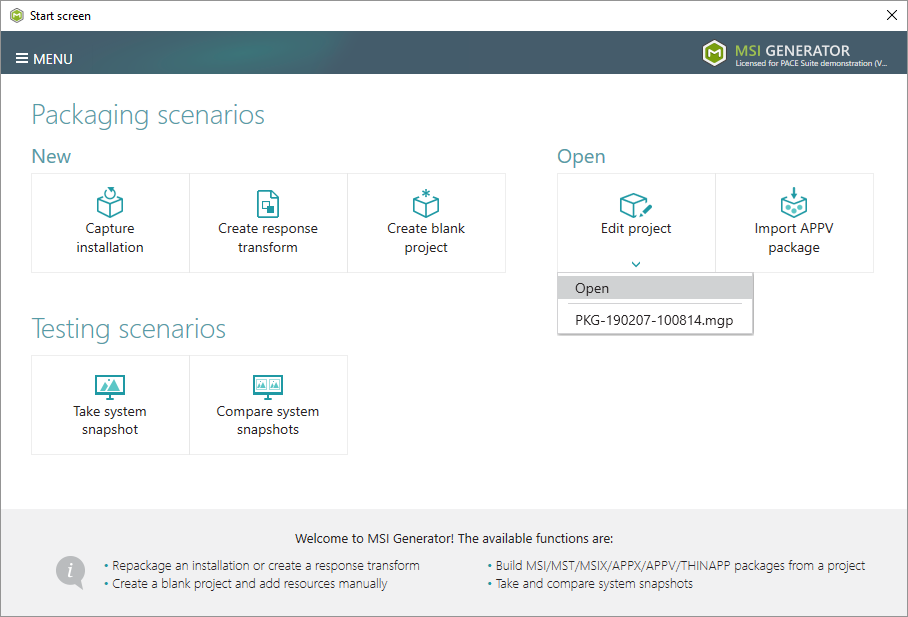
- Open the necessary project (.MGP) from the Edit project > Open.
Note
PACE Suite covers the whole range of application packaging tasks - learn more.
Try PACE Suite for free - 30 days no obligations unlimited trial with all functions unlocked.
