Note
You are not reading the most recent version of this documentation. See the latest version available.
APPV from scratch
Create a blank project, add files, registry, select package settings and build APPV 5.0/5.1/1607 (5.2) package.
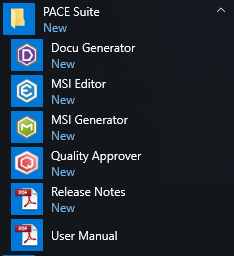
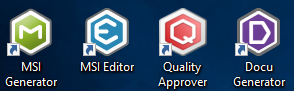
- Launch MSI Generator.
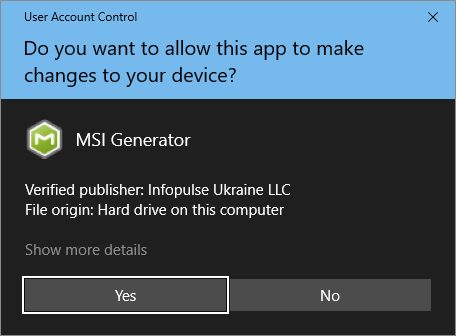
- If you have the User Account Control enabled, click Yes to launch the application.
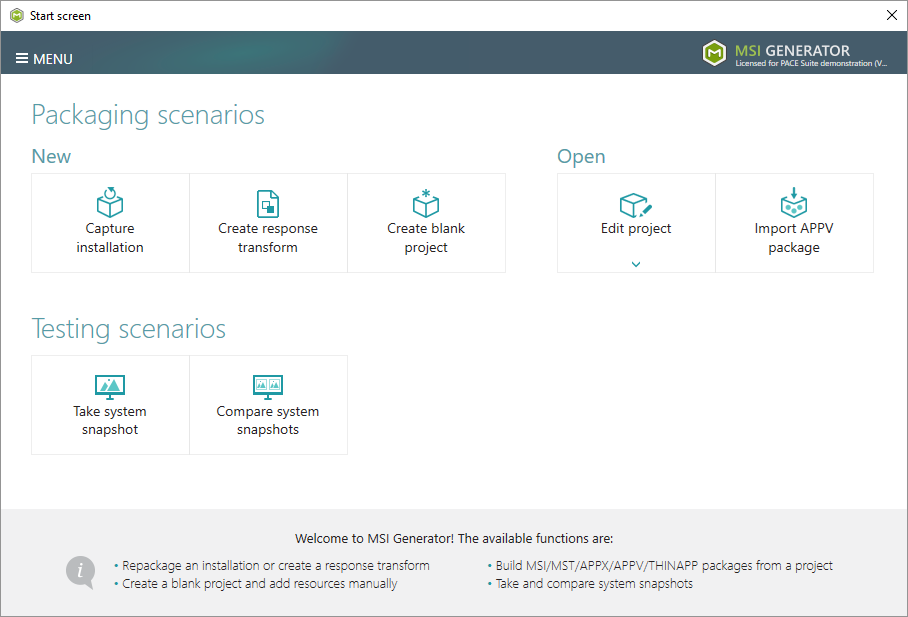
- Click Create blank project.
- Enter a project name and click Create.
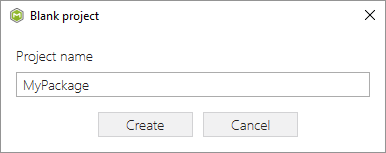
- Now, import resources into your project, set product information and package settings:
- To generate an APPV package navigate to the Package > APPV tab and click Build APPV.
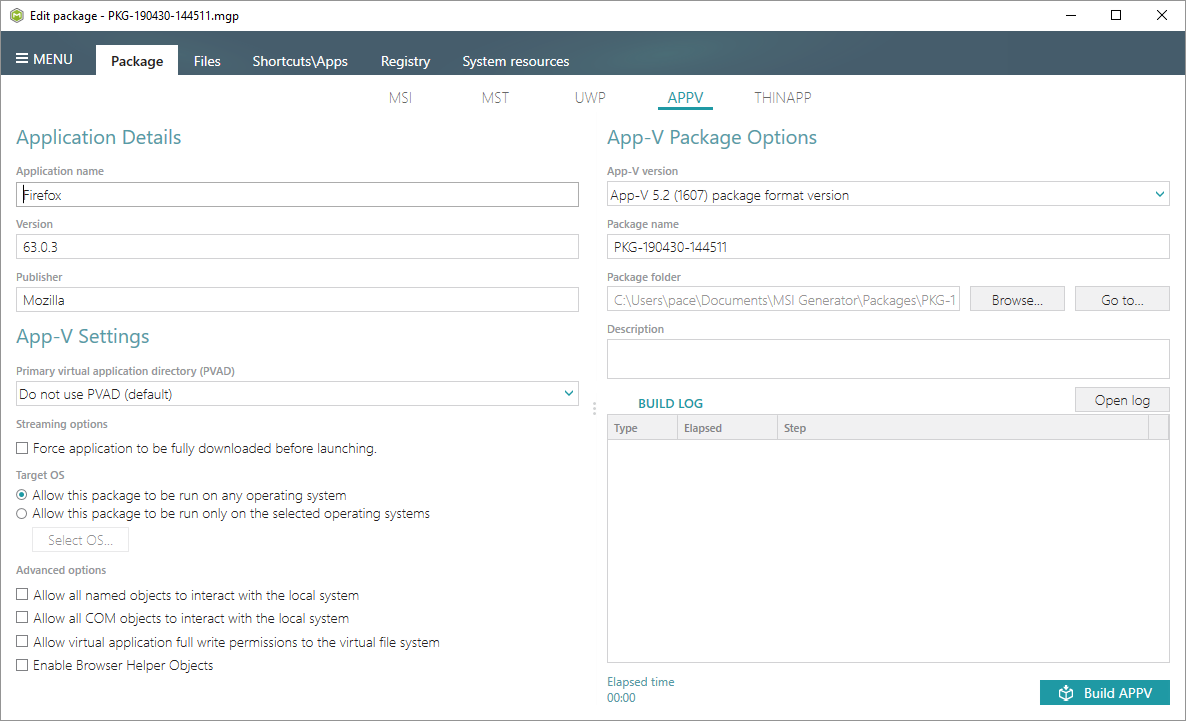
- Find your package in the “
App-V” subfolder of the project folder. To open the project folder, click Go to…, located next to the Project folder field.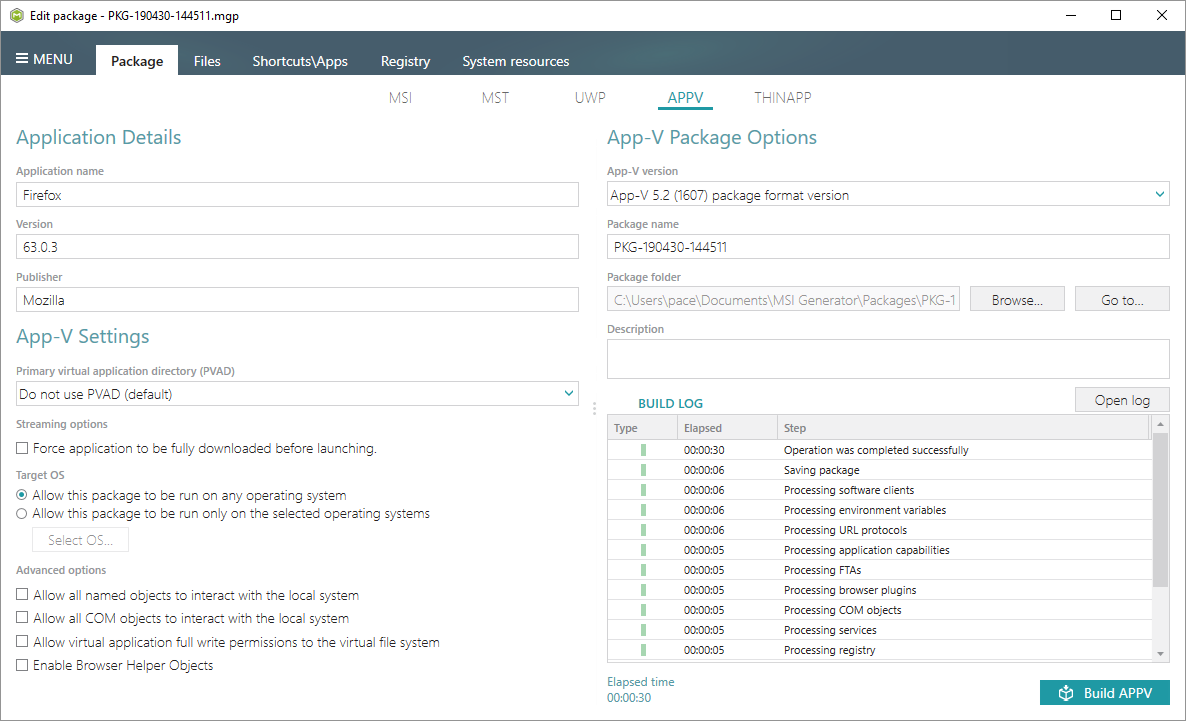
Note
PACE Suite covers the whole range of application packaging tasks - learn more.
Try PACE Suite for free - 30 days no obligations unlimited trial with all functions unlocked.
